Offline Mode
What still works when you're not connected to the internet, and what needs a connection.
Tiune is built to work without an internet connection — dictation is genuinely local by default, not just "local until something needs a network." Here's exactly what keeps working and what doesn't when you're offline.
Works with no internet at all
- Dictation itself. Whichever engine you've chosen — Tiune Instant, Turbo, or Multilingual — runs entirely on your own machine. No connection required, on any plan.
- Basic cleanup. Punctuation, filler-word removal, and formatting all happen locally.
- Vocabulary learning. Tiune noticing and remembering your corrections happens entirely on-device.
- Everything else you see in the app — Today, Fragments, Insights, Vocabulary — is just showing you things already saved on your machine.
Once you're signed in, none of this needs you to stay connected — signing in is a one-time setup step, not an ongoing requirement.
Needs a connection
- Signing in, the first time you open Tiune.
- Downloading a new engine for the first time.
- Checking for app updates, which happens quietly in the background.
- The AI cleanup pass (Plus and Pro) — the rewrite that turns spoken words into finished text is done by a model that doesn't run on your machine.
- Transformations (Plus and Pro) — see Transformations.
- Cloud transcription (Pro), when you've turned it on.
When you're offline on a paid plan, dictation doesn't break: it falls back to the local cleanup, so you still get punctuated, filler-free text — just not the rewritten-for-intent version.
Tiune notices quickly. Once a request fails because there's no network, it stops waiting on the network for a while rather than making every dictation sit through a timeout, and the bar reads Writing · offline · on-device. The first request that gets through switches the cloud features back on.
Online, offline backup
On Pro, Settings → Speech → Where it runs decides where transcription happens. The middle choice, Online, offline backup, is built around this page:
- English stays on your computer. A dictation Tiune can hear is English is transcribed locally, even when you're online.
- Other languages go to the cloud, including a sentence that switches into another language partway through.
- Offline, everything is local, on the engine you have installed.
If the cloud refuses a dictation, Tiune uses the on-device engine's words instead and the bar says cloud unavailable (or offline) on that capture, so you know why it reads the way it does.
This language check is on Mac and Windows only. On Android, Online, offline backup sends dictation to the cloud first and uses the phone's own engine when you're offline. More in Languages & Scripts.
Roman Urdu when you're offline
Roman Urdu has shipped. Dictate in Urdu with Tiune Multilingual and set Settings → Writing → Write it as to Latin letters, and your speech is written out in familiar Latin characters instead of the native script.
Doing it well needs the AI cleanup pass, so the setting is a paid capability. What happens offline is a deliberate floor rather than a failure: Tiune falls back to a character-map transliteration, so you never get Nastaʿlīq dropped into a Latin-script field. That fallback reads phonetically but approximately — it can't restore the short vowels the script omits, and it can't translate.
What you'll notice when you're offline
Tiune doesn't hide the fact that you're offline, but it doesn't make a fuss about it either. You'll see a small "Offline — still writing" note in the main window, and dictation just keeps working normally the whole time.
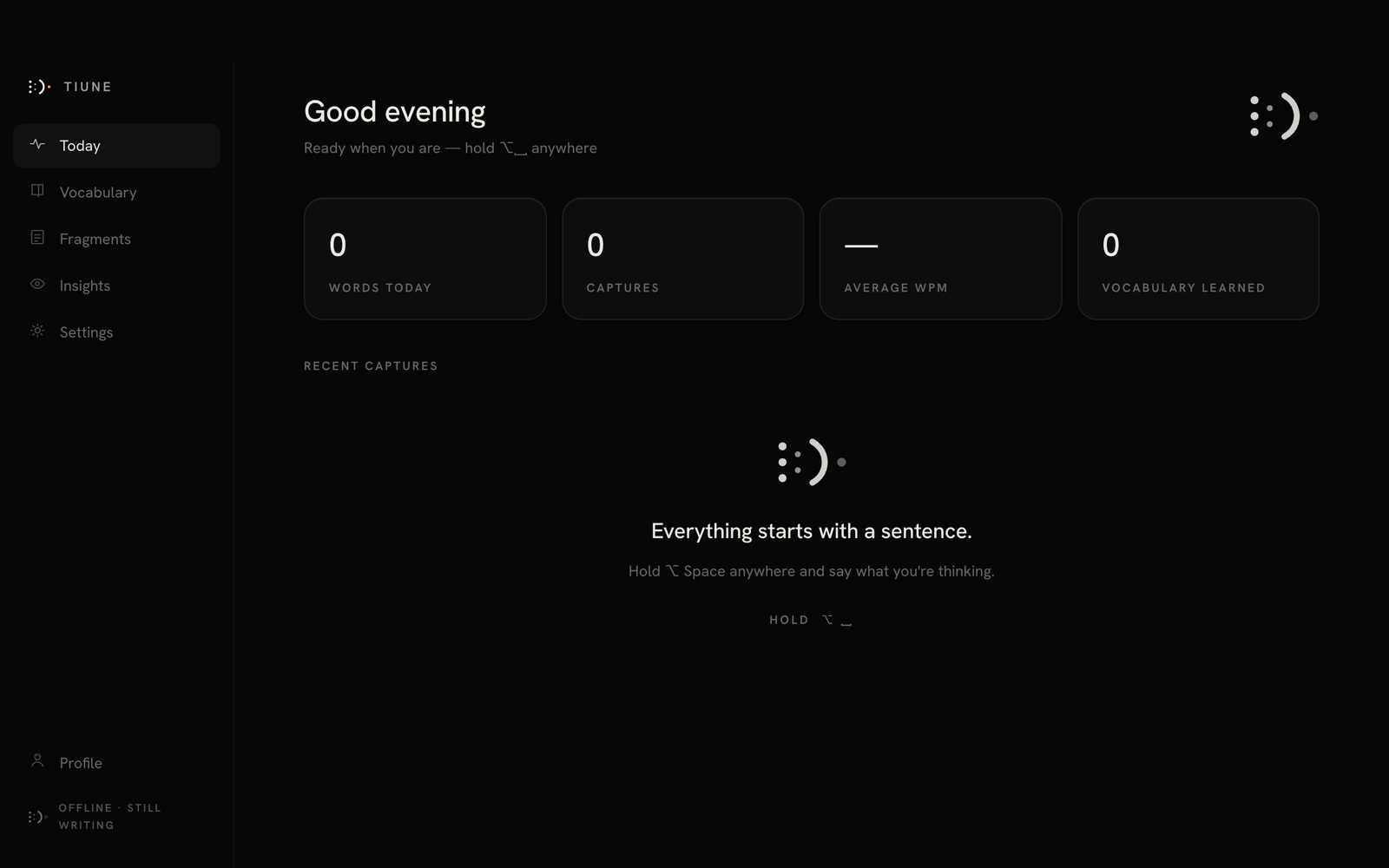 The rail foot reading "OFFLINE · STILL WRITING."
Still coming: cleanup that runs on your machine
The one genuinely missing piece is an on-device rewriter — a small model that would run the AI cleanup pass locally, so the full rewrite worked with no connection at all. It's in development and isn't in the app yet. Until it lands, the rewrite is the part of Tiune that needs a network.