Vocabulary Learning
How Tiune learns names, terms, and spellings from your corrections — and how to add words yourself.
Every speech-recognition system occasionally mishears a name or an unusual word. Tiune's vocabulary feature is how it gets better at your words specifically — the names, product terms, and phrases that are common for you but might not be common in general.
It learns automatically from your corrections
Here's the clever part: you don't have to do anything special to teach Tiune a word. Just fix it the normal way, and Tiune notices.
While typing in another app: if Tiune types something wrong and you go back and correct it, Tiune briefly checks that same spot a little while later. If it sees you changed a word, it quietly remembers the fix for next time. This happens once per dictation — if you come back and fix something 20 minutes later, that particular correction won't be picked up (though correcting it again next time you dictate it still will be).
In the review window: if you click the bar to open the review window and edit the text there directly, that correction is learned the same way — and this method works reliably in every single app, since Tiune already has both the original and your edited version in front of it.
Either way, nothing about this ever leaves your machine. It's a purely local process.
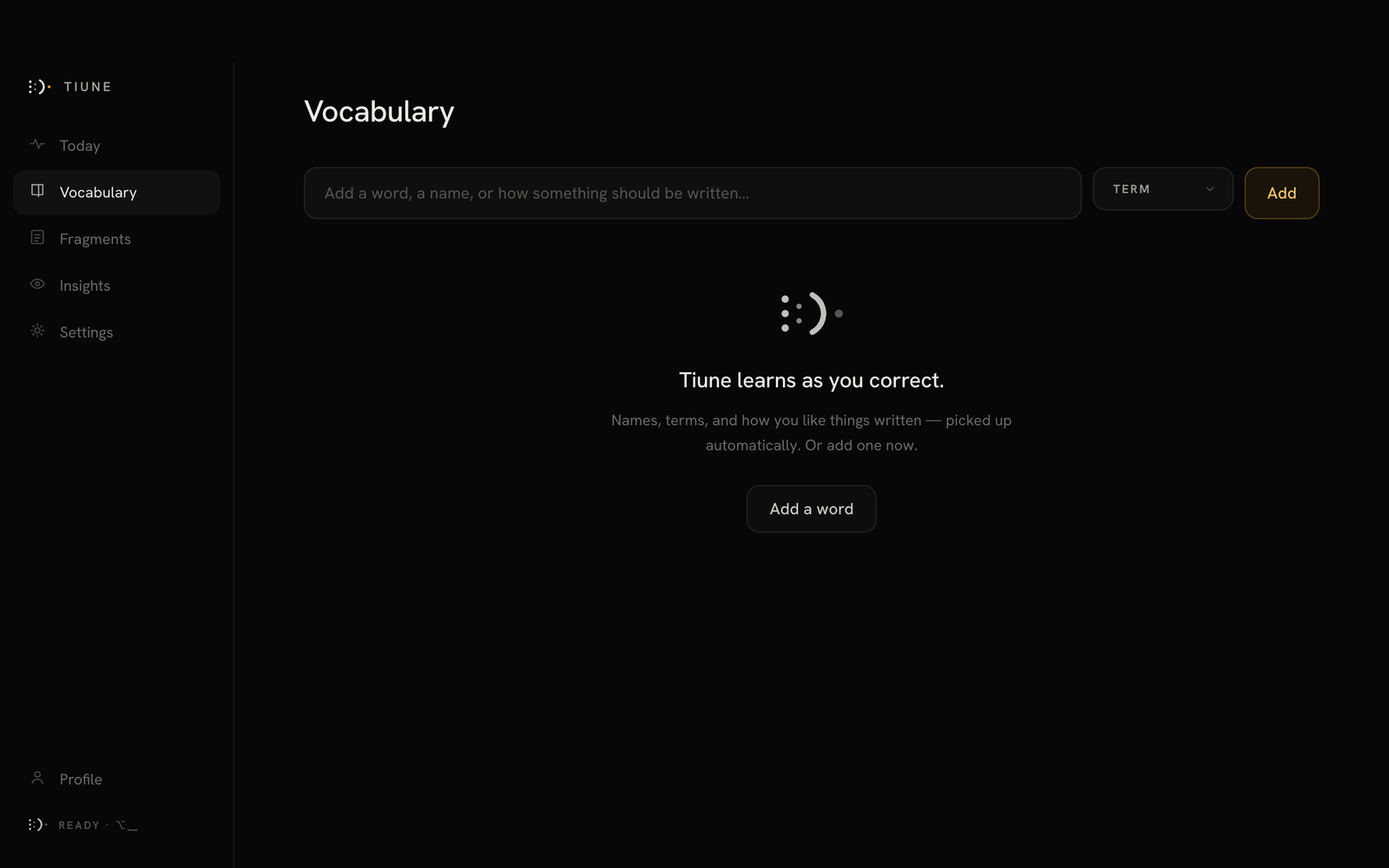 The Vocabulary tab before Tiune has learned anything.
Adding words yourself
Open the Vocabulary tab and type in a word, name, or phrase directly — no need to wait for Tiune to mishear it first. You can sort each entry into a category (Name, Product, Phrase, or Term) to keep things organized. Words Tiune picked up automatically are labeled AUTO; ones you added yourself aren't.
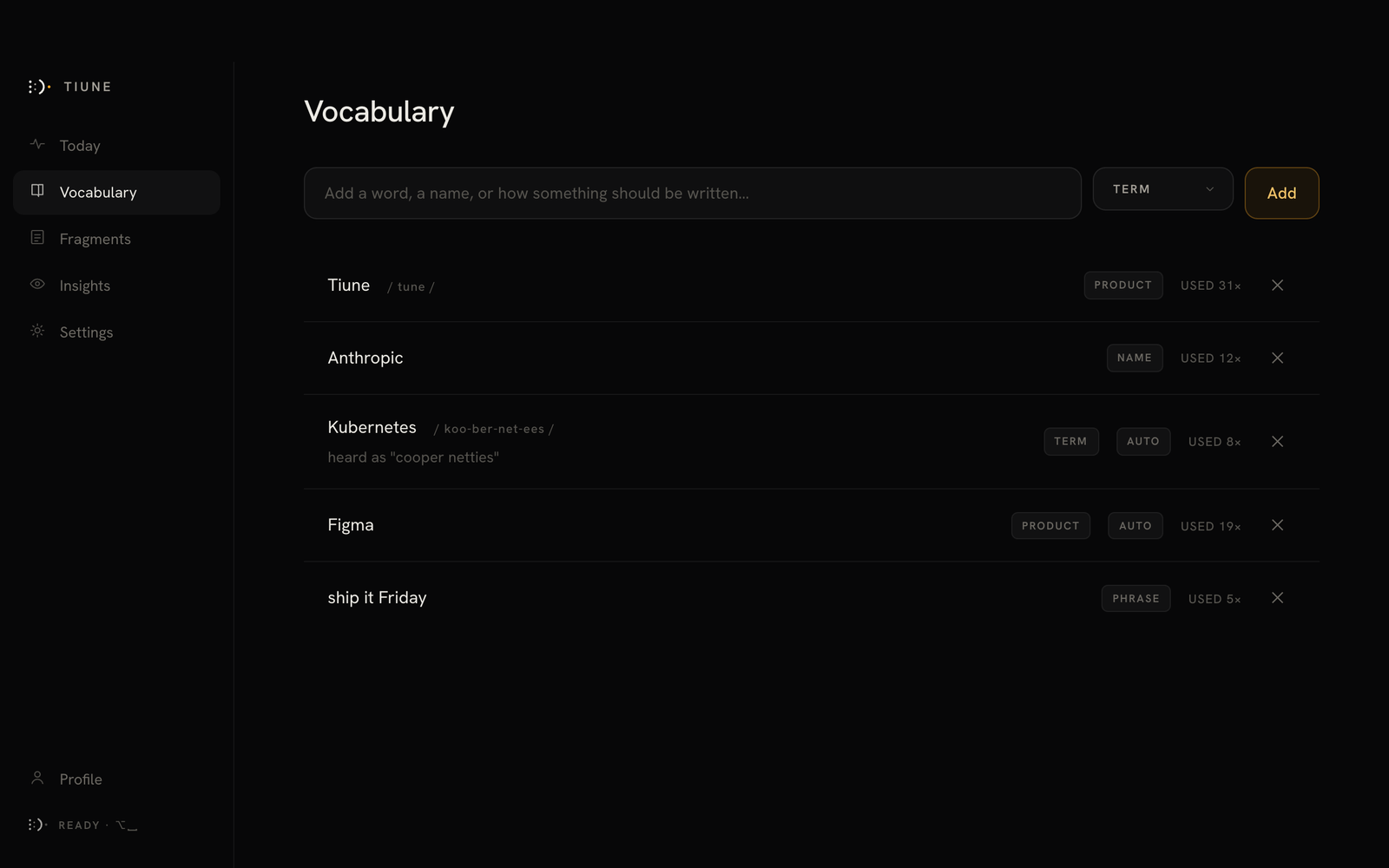 A mix of AUTO-tagged and manually-added entries, one showing a "heard as …" correction.
Importing a list you already keep
If you've built up a glossary somewhere else — a team wordlist, product names, a roster of client names — you don't have to retype it. The Vocabulary tab imports plain text or CSV.
Plain text is the simple case: one entry per line. CSV lets you bring categories across with the words rather than sorting them afterwards.
The exact format Tiune expects is shown on the import screen itself, so you can check it against your file before committing to anything. Imported entries behave exactly like ones you typed in by hand — they aren't labeled AUTO, because you chose them.
What learning a word actually changes
- Spelling and correction — once Tiune knows a word, it'll use the right spelling from then on, no matter which engine you're using.
- Recognition itself — if you're using Tiune Turbo (the downloadable engine), your vocabulary also helps Tiune hear those words correctly in the first place, not just spell them right afterward. Tiune Instant, the built-in engine, still benefits from the spelling fix, just not this extra recognition boost.
Turning it off
If you'd rather Tiune not check your corrections at all, switch off Learn words from your corrections in Settings → General. You can still add words manually any time.